
3 Tips on Getting Your First 25 Paying Members

Paying Members are a great way to generate recurring revenue to your online business. Every journey begins with a first step…and every business starts with its first clients.  The most important thing you can do when getting started is to focus on growth in the most cost-effective manner.
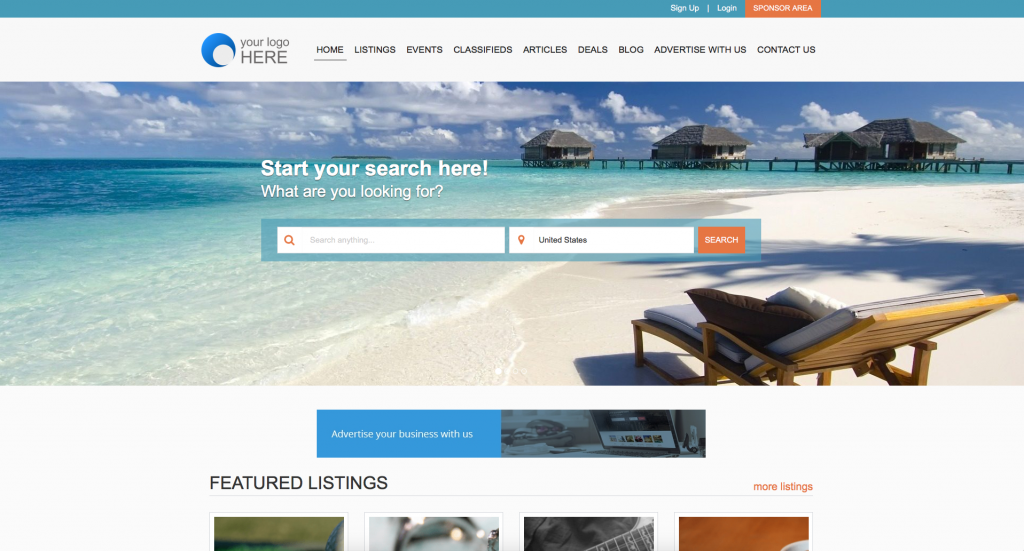
BannerAdsHomePage

Apply a little growth hacking and know that every hour counts in a start up and your directory site is no different.  Directory sites are unique in that you only need a small number of paying monthly or annual members to achieve profitability.  As your community grows so will your brand.  Use these proven tactics to focus on what is most important early on which is growth and proof of concept.  Forget the minutiae for now and focus your efforts with a bulls-eye.

The eDirectory platform offers plenty of value right out-of-the box to handle your day-to-day operations while you focus on doing what you’re good at – adding value where needed most.  Here are the 3 best tips you can use to get your first 25 paying members:

Start with your personal and professional network

  • Offer free premium listings to your network for 3 months with no strings attached
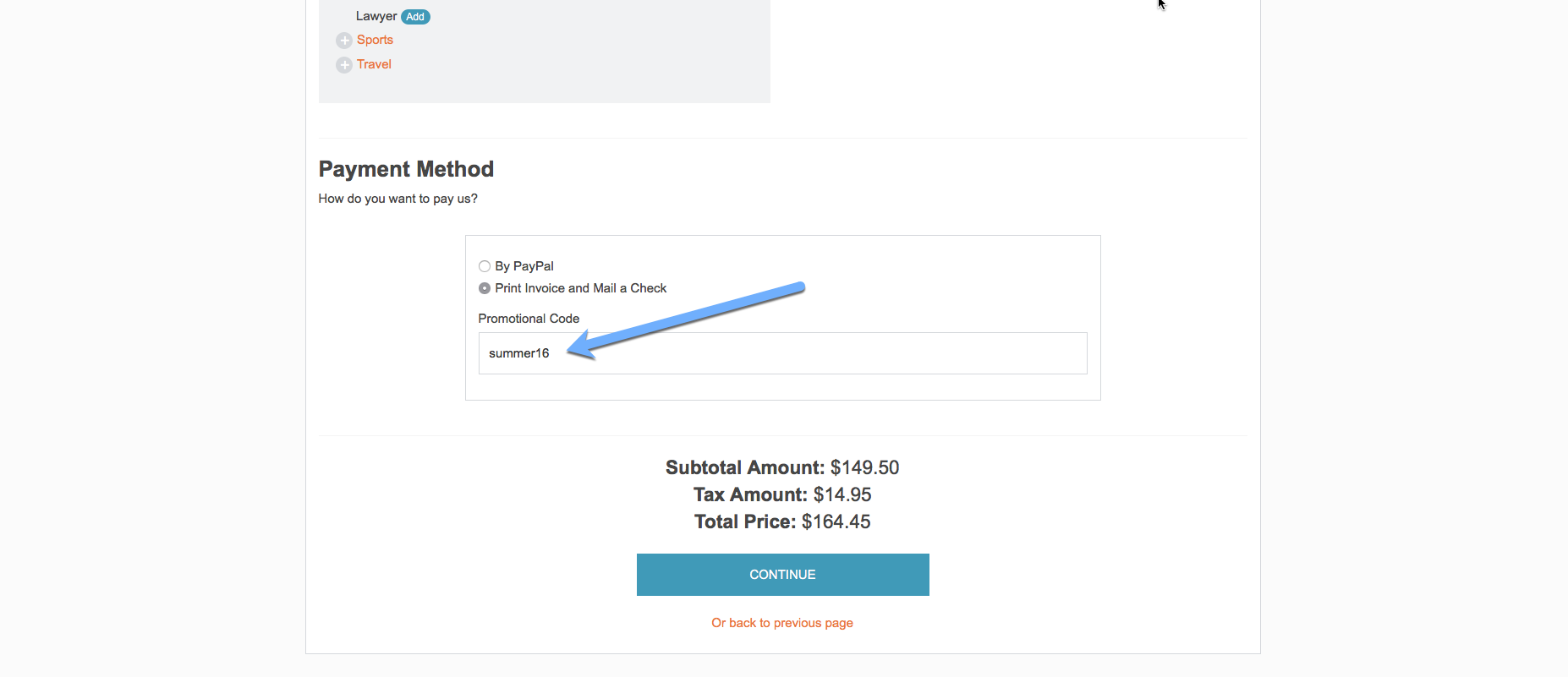
  • Create special offers with promo codes (free banner ads, social media mentions, and free leads)
  • Post on your social media to invite people to join and contribute to your community
PromoCode

Make your first members your greatest priority and learn everything you can from them

  • Treat each new lead as your most important client and offer assistance with set up from the start, show them how easy it is to claim their listing and get started on adding valuable content to your community
  • Reach out to them regularly to learn about any other opportunities that may exist like partnerships, sponsorship opportunities, and cross promotions. You may be surprised!
  • Be flexible with the feedback you receive. Learn what you can and adapt as needed. What you originally thought was important may not be the case once you begin to gain traction. Use the data to make informed decisions that will grow your original concept into what works for the most important stakeholders – your first clients!

Define your brand characteristics, value proposition, and organize yourself for success

  • Get started on creating valuable content for your site. Members love to see directory owners active and contributing to the growth of their community. Share knowledge, provide valuable insight, and respond regularly. You will set the foundation for trust and credibility.
  • Create social media profiles on the platforms that compliment your brand best. Don’t try to be everything to be everybody, instead, focus on a niche and learn as you grow. Master your local market and make your mistakes while you’re small so you can get organized and poised for growth.
  • Visualize how you see your site adding value to its members. Understand that you are offering an additional opportunity to advertise, be a part of a growing/curated community, and that the members on your site have been vetted and approved by you…. That you are available to weigh in on important matters to your community and that their interests
Create amazing images for Directories [Free Tool]

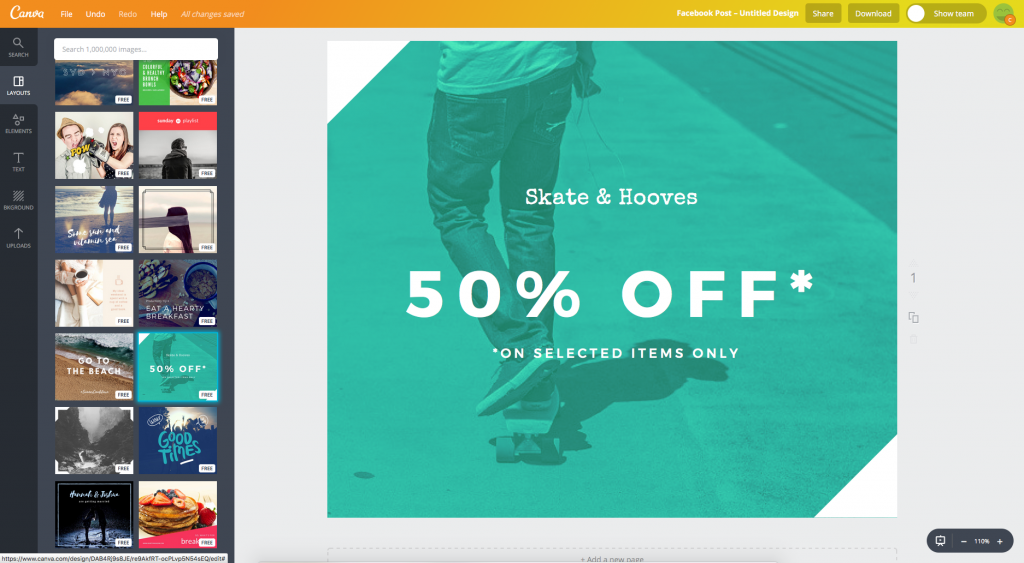
Create amazing images for Online Directories! Here is our favorite free tool to create awesome visual content for your website and social media posts: Canva.

How to create awesome visual content with Canva

We’ve all heard ‘a picture’s worth a thousand words’ – professional Online Directory branding and consistent, quality images across your website, social media, email and online speak volumes about your business. But let’s face it, not all of us have the design chops and Photoshop know-how or time to learn complicated software to pull this off.

Whether you have mad design skills or are new to branding and graphic design, Canva, a free online graphic design platform, makes branding and visual content design a breeze! It offers free access to a wide assortment of design tools and options, as well as premium options for paying customers.

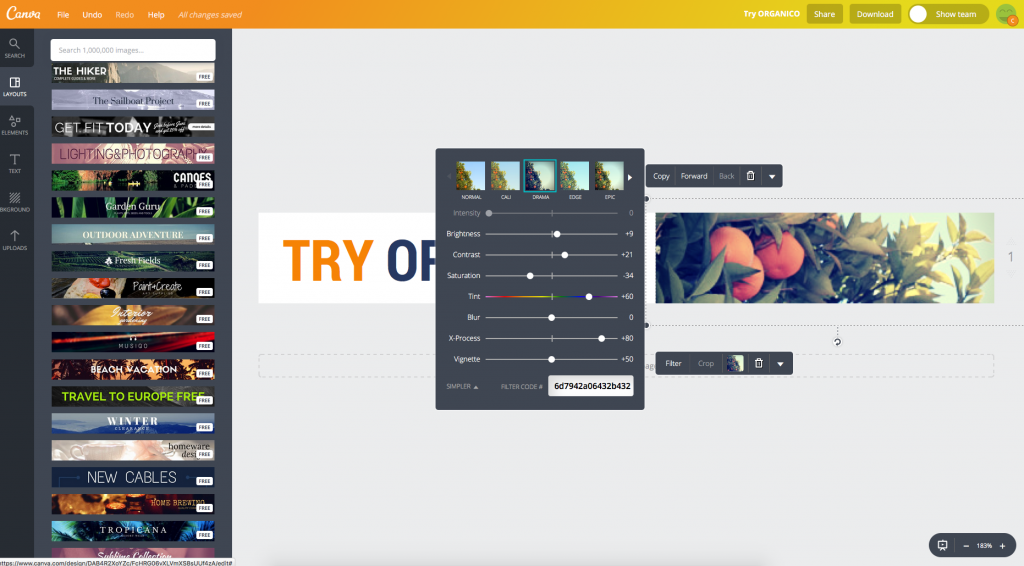
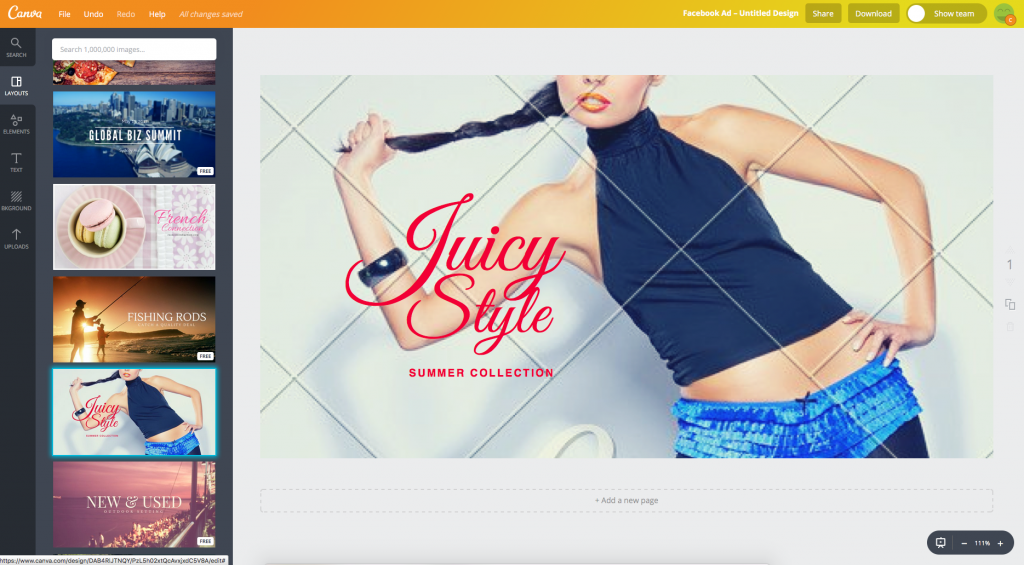
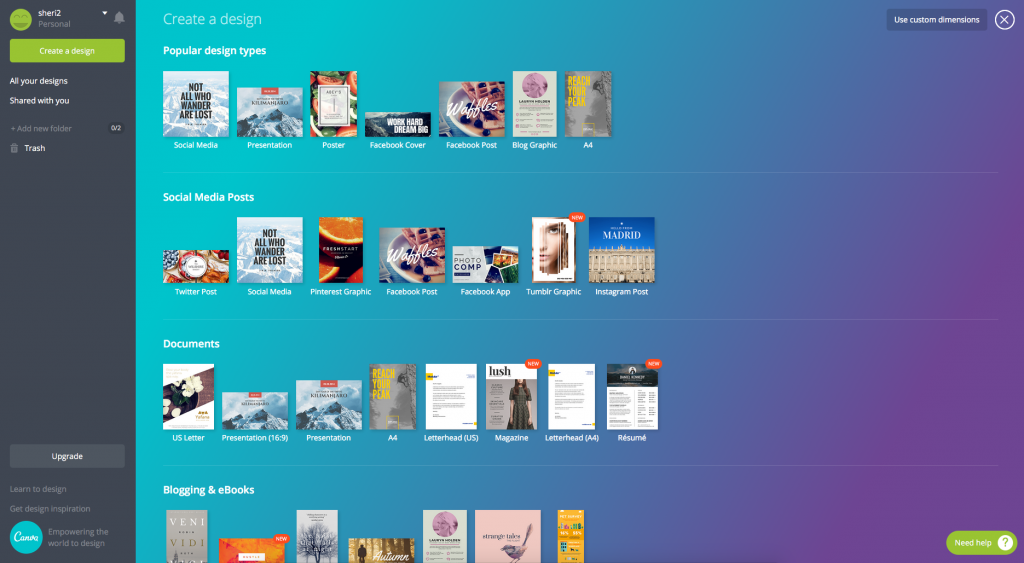
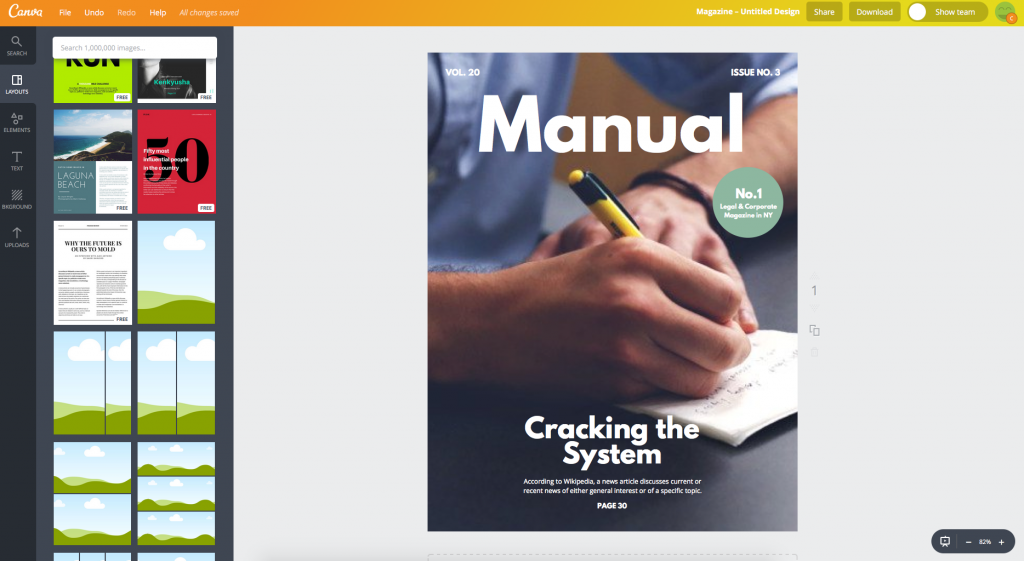
Canva’s intuitive dashboard, drag-and-drop functionality and hundreds of pre-designed templates allow you to quickly create everything from simple website images to branded social media posts and ads.

Upload your own images or use one of hundreds of free (or cheap), searchable images Canva offers. Built-in image editing tools, filters and cropping options are powerful yet easy to use. Choose from a great selection of layouts, fonts, backgrounds, shapes, icons and more to further enhance your images.

If you are working with a team, Canva makes it easy to collaborate on designs with built-in sharing tools. Advanced team functionality is available in the premium versions of the software.

Create Images for directories websites

How to create awesome visual content with Canva

Use Canva’s custom dimensions’ option to create amazing images for your directory website sliders, default images, category images, blog headers and more. By adding branded visual content with your own color scheme, your website not only appears more professional, but adds a level of credibility and trust.

Design Banner Images

How to create awesome visual content with Canva

Monetize your directory website by offering to design and post banner ads for your advertisers across your website. If you are advertising your business or directory on other websites or using Google Adwords or Facebook Ads, create branded, professional ads with Canva’s templates which are IAB compliant banner ad sizes such as leaderboard, skyscraper and rectangle ads.

Create Mobile App Images

Brand and customize your directory mobile app by using the custom dimensions tool to easily create mobile app icons and app loading pages. Add custom pages to your app and create custom images to enhance those pages.

Design Social Media Covers, Posts & Ads

How to create awesome visual content with Canva

Visual content is more than 40X more likely to get shared on social media than other types of content and it’s been reported that tweets with images receive 150% more retweets than tweets without images.

With Canva, creating beautiful, branded social media posts has never been easier! Instead of posting a simple photo, create a template with your own style and color scheme, add your website address and logo and put your own touch on it to make it your own.

Design Email Marketing Headers

Continue the branding across your email marketing as well. Create email marketing headers and footers to be used in your directory promotions from the website or if you are using a 3rd party email provider such as MailChimp.

Saving & Sharing Images

How to create awesome visual content with Canva

Save your images for web or in high resolution or save as PDF for further distribution. For printed materials, download in high resolution with crop marks to send to your printer.

Premium Features – Canva for Work

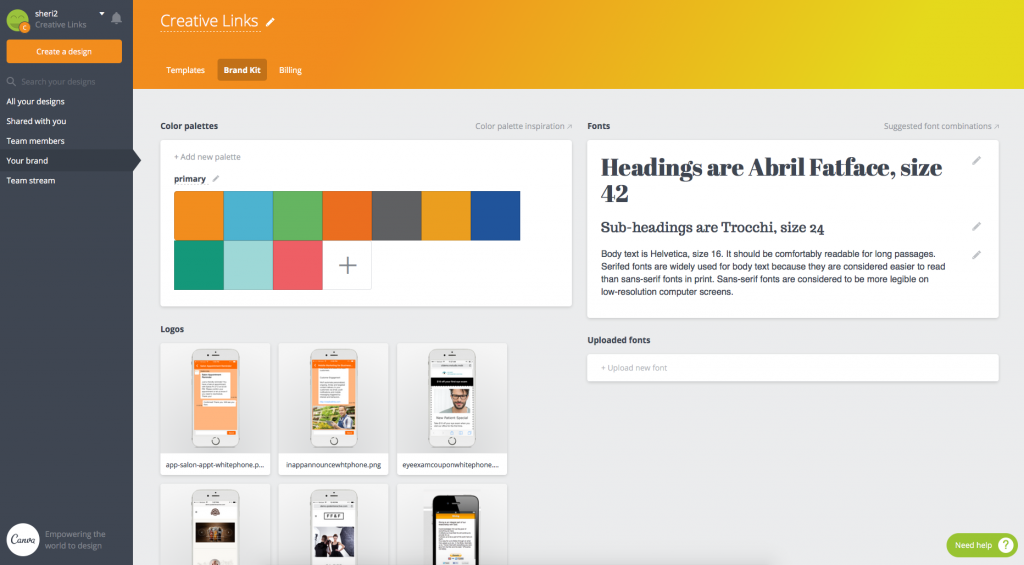
Upgrade to Canva for Work and gain access to advanced features and amazing branding tools and templates. The branding kit allows you to set your color scheme, fonts and logo to quickly and easily apply to all of your marketing materials.

And that’s not all – the magic resizing tool is just that – magic! Once you create an image just the way you want it, choose the magic resizing option and instantly create an exact replica perfectly sized for all social media, email, documents, marketing materials and more.

To get stared creating your own visual content, we highly recommend using Canva and Canva for Work to create professional quality visual content.

How to create awesome visual content with Canva

For more information or to get started, visit canva.com and be sure to share your websites to show off your amazing new graphic skills!